
First Launch
After enabling the plugin:
- A brain-circuit icon appears in the left ribbon — click it to open the BojuBot chat panel
- Or use the Command Palette (
Ctrl+P/Cmd+P): BojuBot: Open agent panel
Claude not found?
If BojuBot can't find your Claude Code installation, a setup panel will appear. Either follow the on-screen steps to install Claude Code, or enter the full path to your claude binary in Settings → BojuBot.
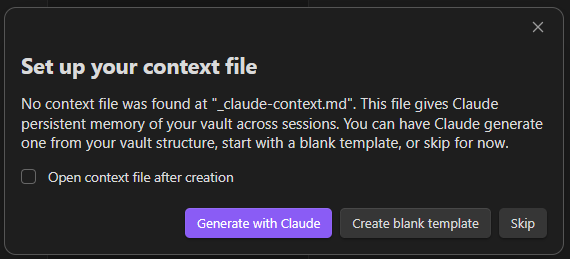
The first time BojuBot doesn't find a context file, a setup dialog offers to generate one with Claude, start from a blank template, or skip — see Context File for details.
Every new session also shows a brief welcome screen (mascot, greeting, tip of the day, recent sessions) — see Welcome Screen.
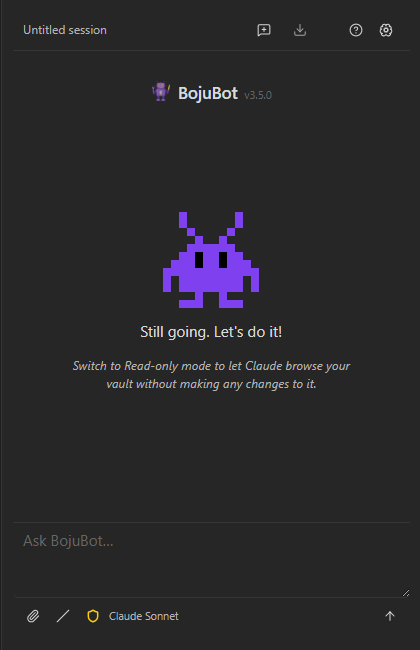
Once the panel opens, type a message and press Enter. Your context file (if you have one) is injected at the start of each session so Claude isn't starting blind.
Try these to get a feel for it:
- *"Tell me about yourself"
- "Summarize the note [[Home]]"
- "What notes do I have tagged #meeting from last month?"
- "Create a new note in 'Planning' called 'Q2 Goals' with a bullet outline"
Next: Using the Chat Panel →